|
|
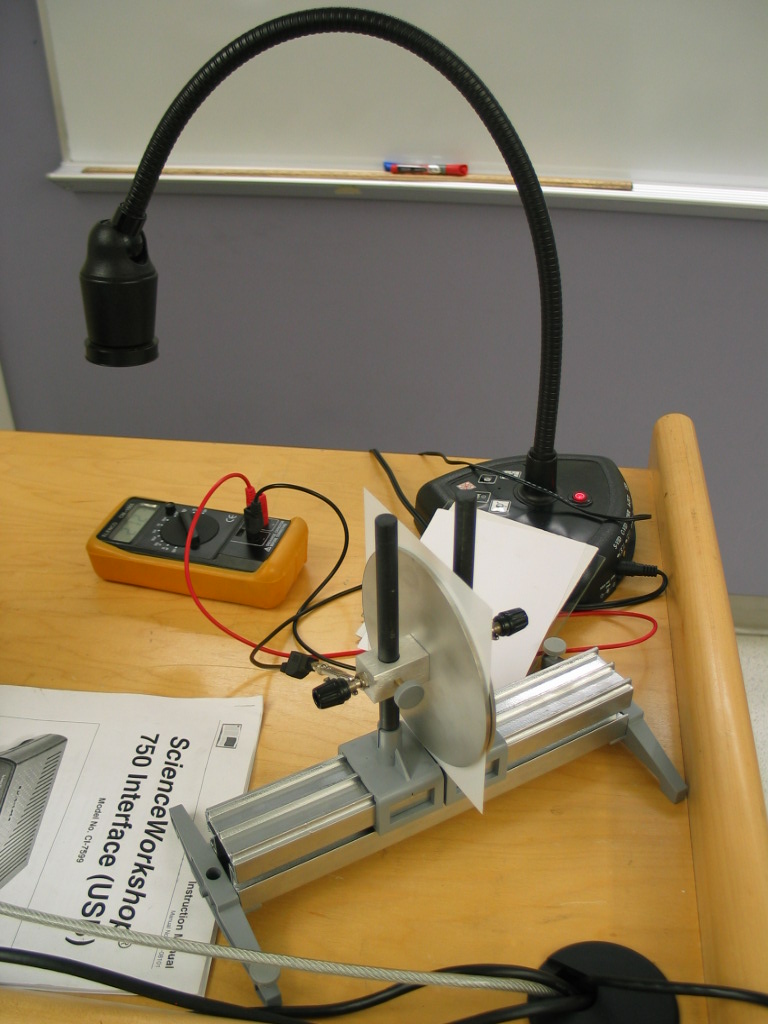 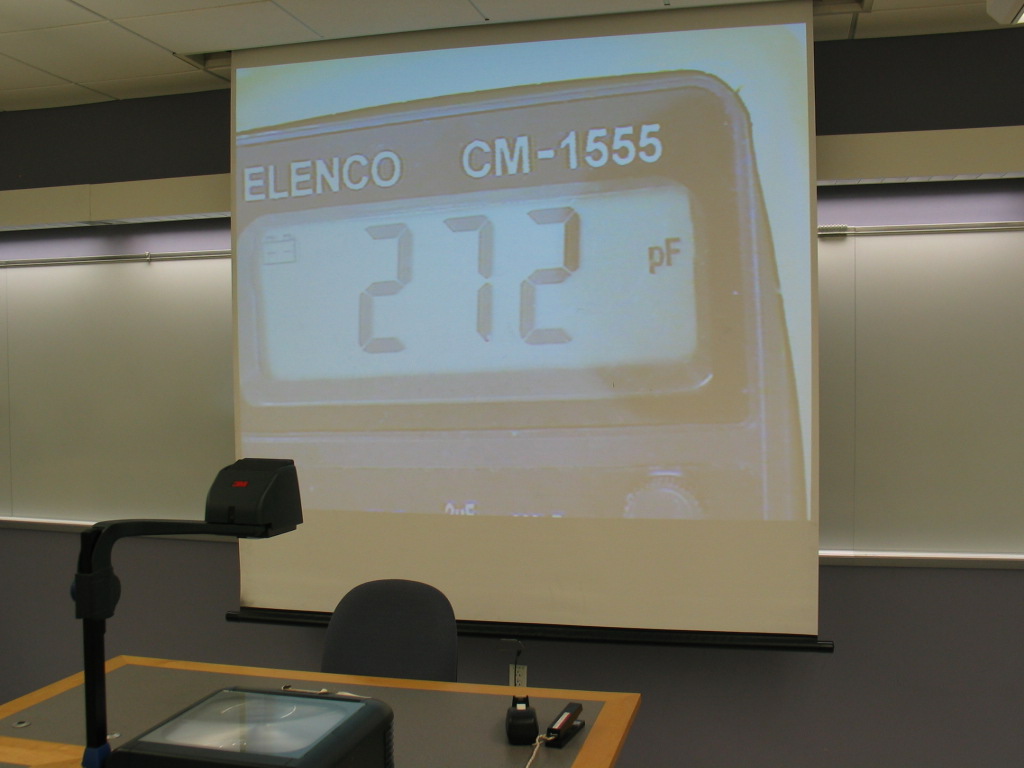
- Purpose
- To demonstrate that the capacitance of a parallel plate capacitor changes depending on what material is between the plates and the distance between the plates.
- Location
- Room 146; shelf M2; capacitance meter shelf C5
- Description
- This demonstration requires the use of the overhead DocCam. This is located on or near the computer podium. The power and s-video cables should be plugged in to the outlets behind the front doors of the podium. Display the DocCam using the Crestron controller.
Connect the leads of the capacitance meter to the parallel plate capacitor and position the meter under the camera so that it is displayed on the projector. The plates on the capacitor can be moved towards and away from each other to demonstrate how the capacitance will change based on the separation distance. There are also cardboard, paper, plastic, and glass sheets that can be placed between the plates to change the capacitance. When using these, position them between the plates and move the plates towards each other until they are holding the sheets firmly in place.
|

